
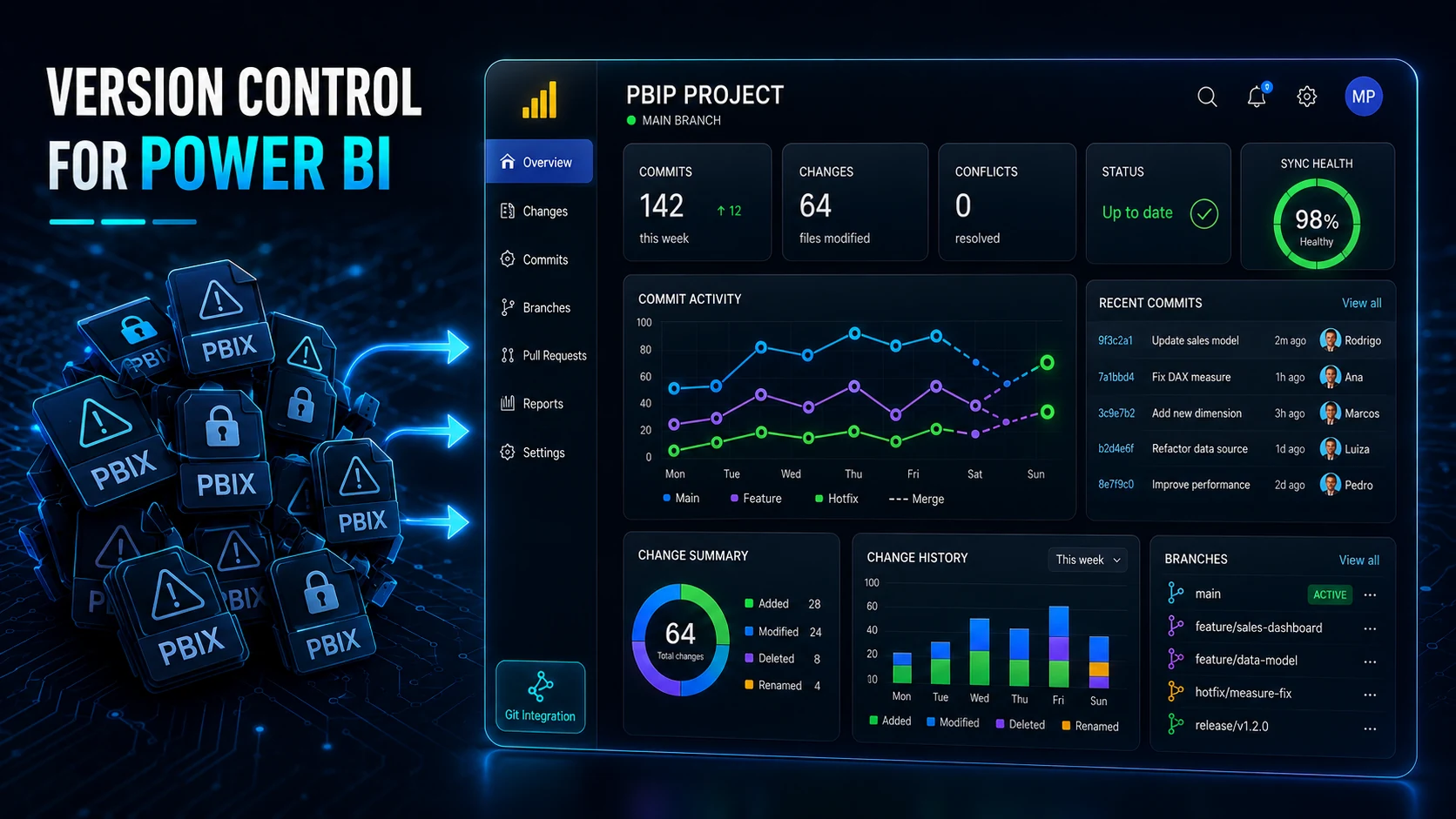
For years, collaborating on Power BI projects carried a hidden cost. If you have ever experienced two data analysts trying to update the exact same report simultaneously, you know the drill: duplicate .pbix files cluttering Teams chats, frantic messages reading, "I'm working on the report, don't save any changes!", and the inevitable loss of hours of work because someone accidentally overwrote the latest version.
The root cause has always been the file format itself. The classic .pbix is a closed, binary file. To a version control system, it was nothing more than a black box. If two files changed, Git had no intelligent way to compare them.
The good news? That reality has radically changed with the introduction of the Power BI Project (PBIP) format and its native integration with Git and the Microsoft Fabric ecosystem.
What Changes with PBIP? From Binary to Structured Text
The major breakthrough of the PBIP format is that it splits the report and semantic model into structured folders containing human-readable text files, utilizing standards like JSON for metadata and reports, and TMDL (Tabular Model Definition Language) for tables, columns, and DAX measures.
By converting your project to PBIP (.pbip), your work stops living inside a single binary blob and begins to behave just like any traditional software development project, such as Python, C#, or TypeScript.
Practical Advantages in Daily Work
Real Change History: You can track precisely who modified a specific DAX measure, updated a visual property, or added a new table, line by line, directly through the Git history.
Parallel Development: Multiple developers can work on the same project in separate branches. While one engineer fine-tunes the data model, another can build new report pages.
Cleaner Code Reviews: Code reviewing a Power BI report via Pull Requests is no longer a guessing game; it is now a transparent text-code analysis.
What About the Feared Merge Conflicts?
In traditional software development, merge conflicts occur when two people edit the exact same line of code concurrently. In Power BI, with PBIP, the principle is identical.
If Team A modifies the Sales page and Team B updates a measure inside the semantic model folder, Git handles the merge automatically without a hitch.
However, if both developers edit the exact same line of code—for instance, the same DAX formula for a measure—Git will flag a conflict. You and your team can inspect the conflict side-by-side and explicitly choose which version to keep, exactly the way software engineers have done for years.
The Modern Workflow: PBIP + Git
Transitioning to this new maturity model requires a minor cultural shift within the team, but the standard workflow is straightforward.
Save as PBIP: Instead of saving as a standard .pbix, you open and save your work as a Power BI Project (.pbip).
Git Synchronization: Make regular commits to your repository, whether you use GitHub, Azure DevOps, or GitLab.
Pull & Push: Developers pull the latest version, build features in their respective branches, resolve any conflicts, and open a Pull Request for peer review prior to production deployment.
Conclusion: It Is Time to Leave the Past Behind
If your data team is still sharing .pbix files via email, OneDrive, or network shares, you are exposing your projects to unnecessary risks of data loss and capping your team's productivity.
Adopting PBIP alongside Git is no longer a technical nice-to-have. It has become an essential skill for anyone building scalable, robust, enterprise-grade Business Intelligence solutions.
How does your team handle collaboration today? Have you already made the leap to PBIP projects, or are you still tied to the classic .pbix?
References and further reading
Original publication
This article was written by Rodrigo Póvoa and originally published on LinkedIn.